
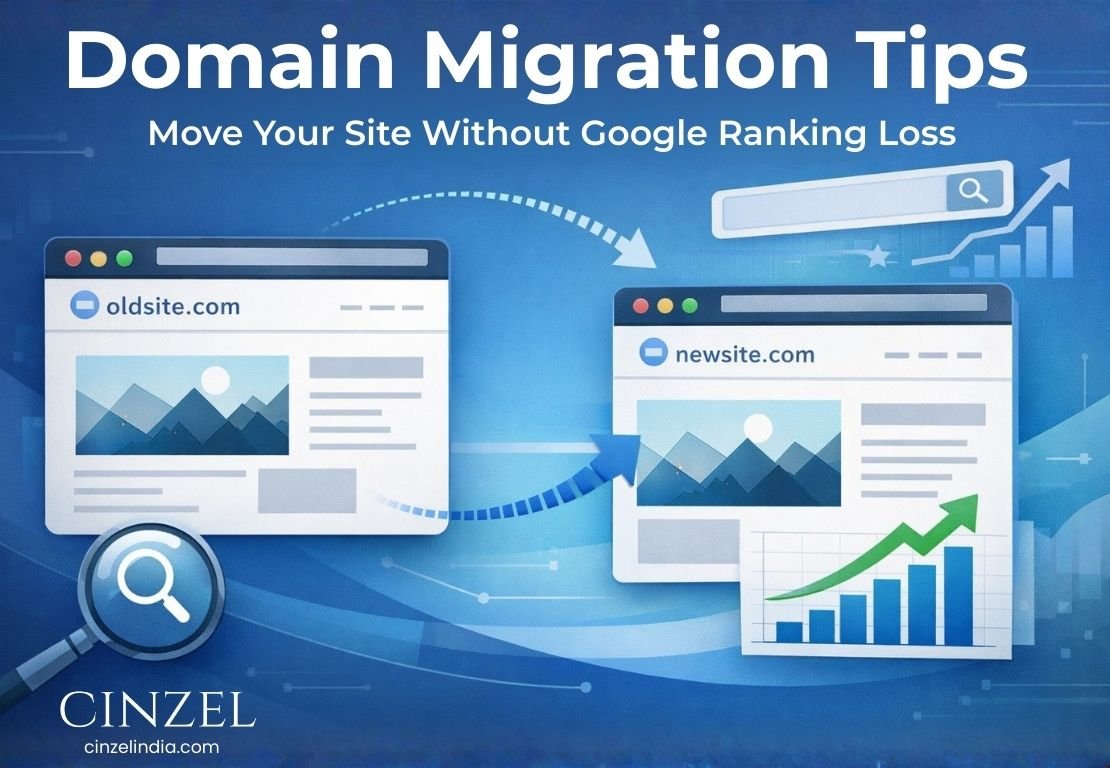
Moving a website to a new web address without losing Google rankings requires a structured approach focused on 301 redirects, accurate URL mapping, and informing search engines via Search Console. The most critical step is implementing 1-to-1 permanent redirects so each old URL connects to its exact new counterpart, preserving link equity and SEO value. Along with updating backlinks and monitoring performance after launch, a well-planned process ensures minimal impact on organic traffic.
To make this process seamless, it’s important to follow three essential stages: Pre-Migration Checklist, Migration Phase (The Switch), and Post-Migration Steps—each playing a key role in maintaining your website’s search performance during domain migration. As the best seo agency in Noida, Cinzel India helps businesses execute smooth transitions while protecting their rankings and traffic.
Table of Contents
- What Are the Reasons for Changing Your Domain?
- Step 1: Plan Your Domain Migration Carefully
- Step 2: Prepare Your New Domain Environment
- Step 3: Apply Proper 301 Redirects
- Step 4: Optimize Technical SEO on the New Domain
- Step 5: Track Performance and Optimize After Migration
- Case Study: E-commerce Domain Migration Success
- Key Takeaways for a Smooth Domain Transition
- FAQ's
What Are the Reasons for Changing Your Domain?
Businesses decide to switch domains for several reasons. A common example is when brands move from a local domain to a global one to expand their reach. For instance, many businesses transition from a .in domain to a .com domain to target an international audience and build wider credibility. Other situations include rebranding, merging websites after acquisitions, or improving domain structure for better usability. Since domain migration directly impacts SEO, it must be handled with careful planning.
With the right strategy, you can maintain your Google rankings. SEO experts recommend redirecting every old URL to its exact new version using a 301 redirect. Additionally, informing Google through Search Console is essential. Keeping redirects active for several months to a year helps transfer ranking signals effectively from the old web address to the new one.
When executed properly, the transition can happen without unexpected traffic loss. The steps below cover everything—from checking the new domain’s history to testing and monitoring after launch.
Step 1: Plan Your Domain Migration Carefully
Before initiating the move, evaluate your current website and prepare a structured plan.
Audit SEO assets: Create an XML sitemap of your website and submit it to Search Console. This ensures Google has a complete record of your pages. Identify your top-performing pages and keywords using Analytics or Search Console to compare results post-migration.
Review backlinks: Use tools like Ahrefs or Search Console to identify websites linking to you. Later, you can request updates to the new domain or rely on redirects.
Create backups: Always take full backups of your website files and database. Keep an additional offline copy for safety.
Analyze the new domain: Research its history before using it. Check for penalties, previous content, and backlink quality. Avoid domains with a spammy background.
Platform considerations: If you retain the same CMS, URL structures can remain unchanged. Switching platforms (like WordPress or Shopify) requires extra planning for content and URL mapping.
Test on staging: Perform the migration on a staging version first. Ensure all pages, forms, and tracking systems work properly.
Schedule wisely: Choose low-traffic hours for the final switch to minimize disruption.
For example, Cinzel India supported OutdoorGearCo in a domain migration. The team created a sitemap, identified key pages, verified the new domain’s history, and tested everything on staging—ensuring a seamless transition.
Step 2: Prepare Your New Domain Environment
Before launching, ensure your new domain is fully ready.
Install CMS and content: Transfer your website files or set up your CMS on the new domain. Keep URLs consistent wherever possible.
Enable SSL: Activate HTTPS by installing an SSL certificate, as secure websites are essential for SEO.
Configure robots.txt and meta tags: Replicate important rules from the old site. Remove any noindex tags before going live.
Update internal links: Ensure all internal links reflect the new domain structure.
Set up Search Console: Add and verify the new domain, including all versions (http/https, www/non-www).
Use the Change of Address tool: Notify Google about the domain switch through Search Console to accelerate indexing.
Need Help Migrating Your Domain Without Losing Rankings?
Step 3: Apply Proper 301 Redirects
Redirecting correctly is one of the most crucial parts of migration.
Create a redirect mapping: Match each old URL with its new equivalent. Use wildcard redirects only if structures remain the same.
Implement 301 redirects: Set up permanent redirects on the old domain server to signal the move to search engines.
Avoid incorrect redirects: Do not redirect all pages to the homepage, as this can harm SEO.
Test thoroughly: Check for redirect errors, loops, or chains and fix them immediately.
Update external references: Ask websites, social platforms, and ads to update their links to the new domain.
Maintain these redirects for at least one year to ensure SEO value transfer.
Step 4: Optimize Technical SEO on the New Domain
Once redirects are live, update your SEO settings on the new site.
Submit XML sitemap: Generate and submit a new sitemap via Search Console.
Update canonical tags: Ensure each page points to its correct new URL.
Remove noindex tags: Make sure all important pages are indexable.
Retain on-page SEO: Copy titles, meta descriptions, headings, and alt text from the old site.
Monitor coverage reports: Watch indexed pages shift from the old domain to the new one.
Use URL inspection: Check indexing status for important pages if needed.
Following these technical SEO practices helps Google understand and trust your new domain quickly, minimizing ranking disruptions.
Step 5: Track Performance and Optimize After Migration
After launch, continuous monitoring is essential.
Analyze traffic and rankings: Use analytics tools to ensure traffic transitions smoothly. Expect minor fluctuations initially.
Fix crawl errors: Identify and resolve 404 errors or redirect issues in Search Console.
Update backlinks: Request updates from high-value linking websites.
Be patient: SEO stabilization can take time, usually a few weeks to months.
Gradually, the new domain will replace the old one in search results as Google processes the changes.
Case Study: E-commerce Domain Migration Success
An online retailer, MountainGearCo, migrated from mountaingear.co to mountaingear.com.
-
All URLs were mapped and redirected properly
-
Users were seamlessly redirected to new pages
-
Google indexed the new sitemap quickly
-
Traffic experienced a slight dip but recovered within four weeks
-
Updated backlinks helped regain referral traffic
This demonstrates that with proper execution, SEO performance can be preserved during domain migration.
Key Takeaways for a Smooth Domain Transition
-
Keep 301 redirects active for at least one year
-
Monitor Search Console regularly for errors
-
Update all internal and external links
-
Seek expert guidance if needed—Cinzel India offers reliable support for complex migrations
Migrating a website to a new domain is a significant step, but with proper planning and execution, you can retain your Google rankings. By auditing your site, preparing the new domain, implementing redirects, updating SEO settings, and monitoring performance, your transition can be smooth and successful. With the right strategy, your website will continue to grow without losing valuable search traffic.
Cinzel India specializes in delivering seamless website migrations and is a result-driven SEO agency in Noida that helps businesses grow confidently online.
FAQ's
1. What is domain migration, and how does it affect Google rankings?
It is the process of moving a website to a new domain. With a proper 301 redirect and Search Console setup, Google rankings can be maintained.
2. Why is a 301 redirect important?
A 301 redirect passes SEO value from old URLs to new ones, helping preserve Google rankings and avoid traffic loss.
3. How does Search Console help in the process?
Search Console lets you submit an XML sitemap, track indexing, and inform Google about the domain migration.
4. Is an XML sitemap necessary after switching domains?
Yes, it helps search engines quickly discover and index new pages, improving technical SEO.
5. How long does it take to recover rankings?
Rankings usually stabilize within a few weeks with proper setup and monitoring.
